
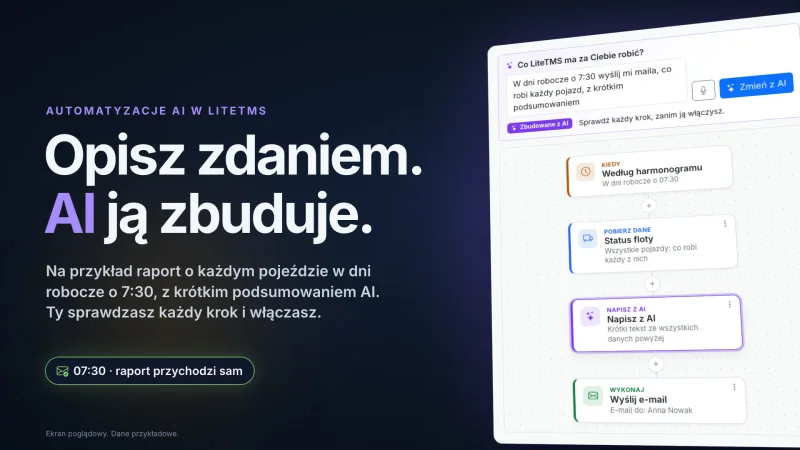
 Length: 0:57
AI Automations in LiteTMS: describe a routine once, AI builds it
Describe in a sentence, or dictate, what LiteTMS should do, and AI draws the automation: a morning fleet report, overdue invoices, expiring documents.
Videos
Short films, each showing one part of LiteTMS at work. Every film has a page of its own, so you can watch it here or send the link on.
Length: 0:57Describe in a sentence, or dictate, what LiteTMS should do, and AI draws the automation: a morning fleet report, overdue invoices, expiring documents.
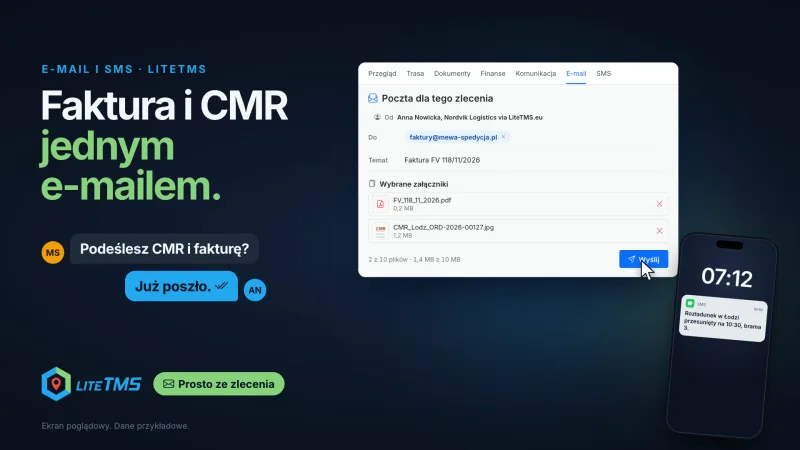 Length: 1:01
The driver scans the CMR in the app and the invoice drops into an email. Both leave the order in one message, and the driver gets a text from the same order.
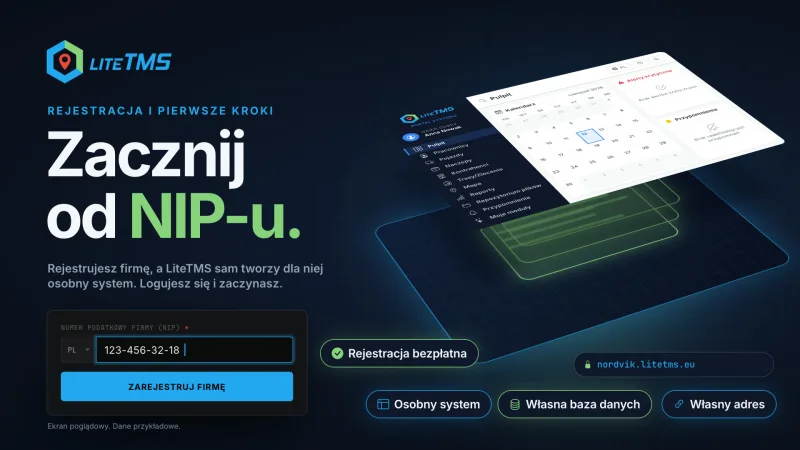 Length: 1:31
Signing up for LiteTMS is one short form. Your company gets its own system with its own database and address, and you can start with two trucks.
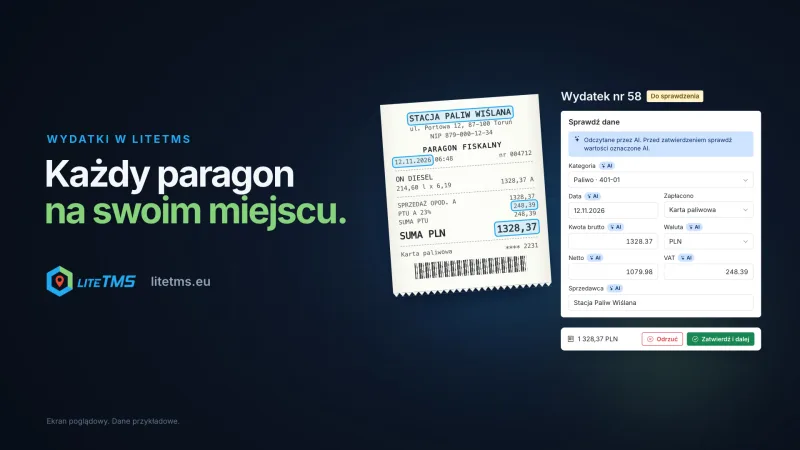 Length: 1:02
A driver photographs a receipt in LiteTMS Mobile, AI reads the amount, VAT and date, and the office approves. Summaries by category, vehicle and person.
 Length: 1:04
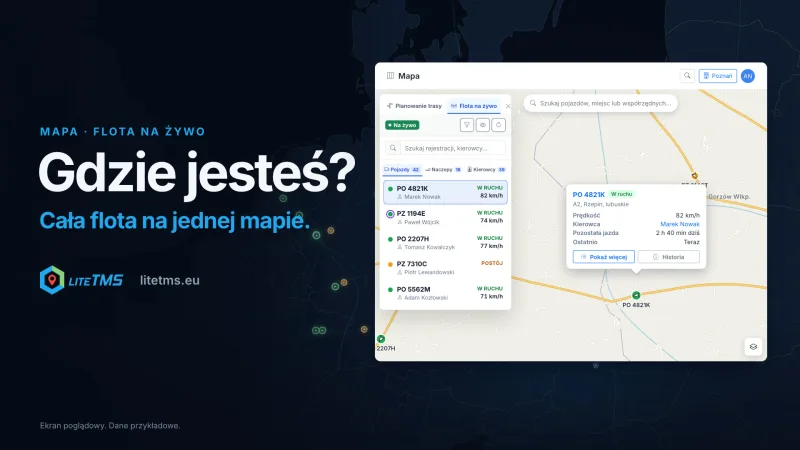
Your whole fleet on one map, with positions from the GPS you already have. Driver hours flow into the route plan, and a phone covers trucks with no GPS.
 Length: 0:56
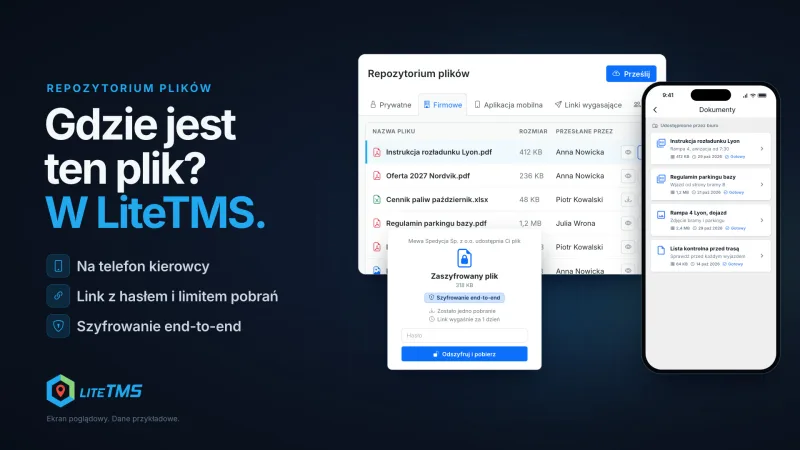
Private, company and team files in one place. Send a file to the driver's phone, give a client a link with a password, or encrypt a file end to end.
 Length: 1:00
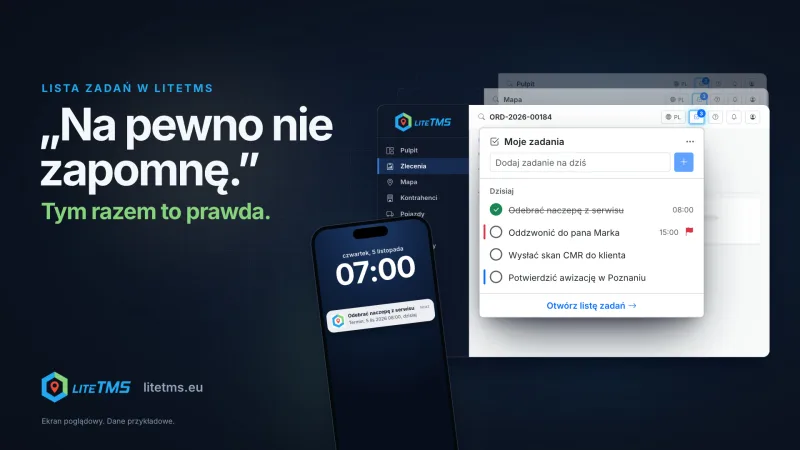
A private to-do list in the top bar of every LiteTMS page. AI turns a voice memo into a task with a due date, and the reminder arrives by push or email.
 Length: 1:00
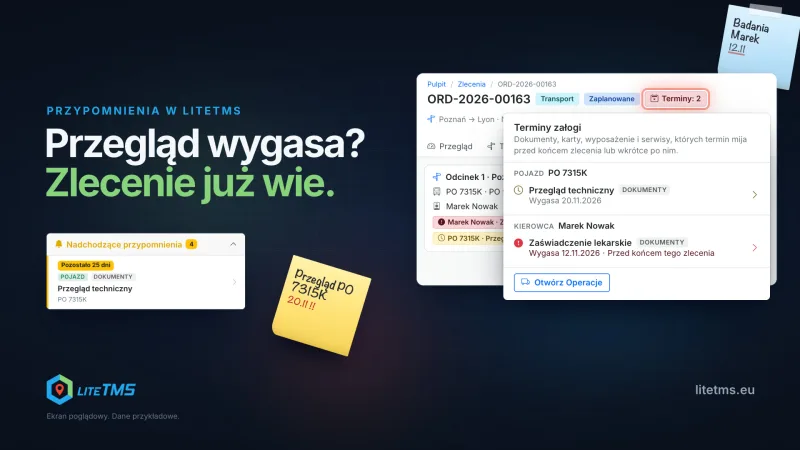
Enter an expiry date once on a vehicle, trailer, employee or contractor record. LiteTMS shows it on the dashboard and in the order when you assign the truck.
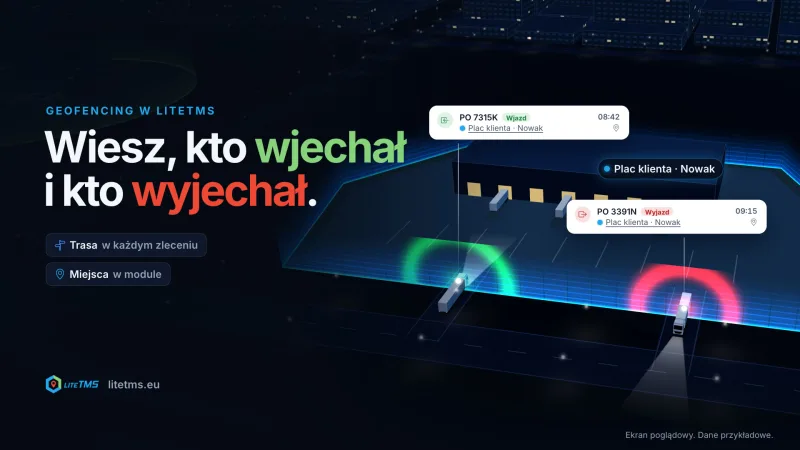 Length: 0:58
Every LiteTMS order includes route geofencing. The Geofencing module watches fixed places and shows who drove in, who drove out, and when.
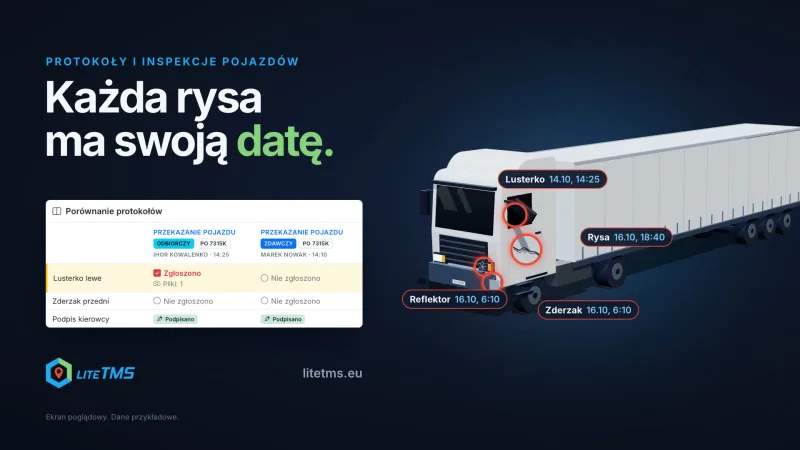 Length: 1:02
When a truck changes drivers, both get a protocol on their phone. LiteTMS lines up handover and takeover; the office records the cost and who is responsible.
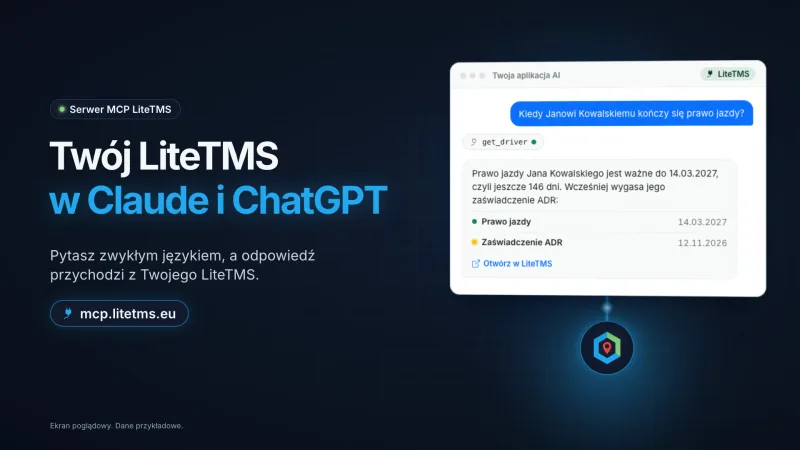 Length: 1:00
LiteTMS now runs its own MCP server. Ask Claude or ChatGPT about your drivers, their documents and expiry dates, or for a reminder, and LiteTMS answers.
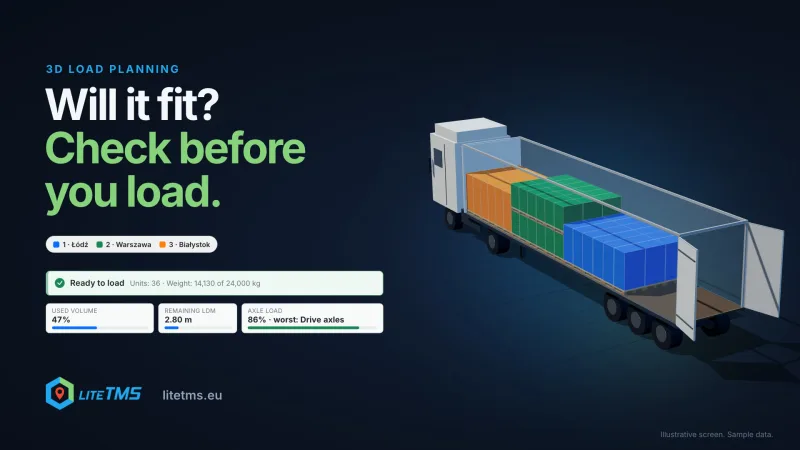 Length: 0:51
LiteTMS 3D load planning takes the cargo, stops and vehicle from the order, arranges the load and shows axle loads and free metres before loading starts.
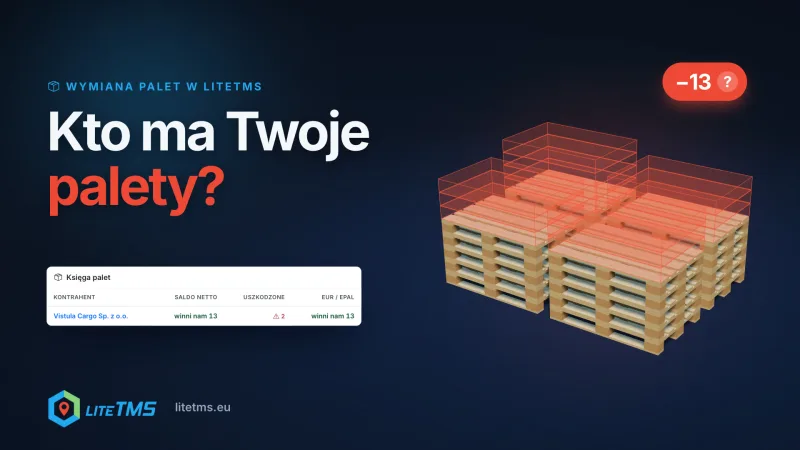 Length: 0:54
The LiteTMS pallet exchange module turns dock counts into numbered, signed pallet notes and keeps a balance with every counterparty, per pallet type.
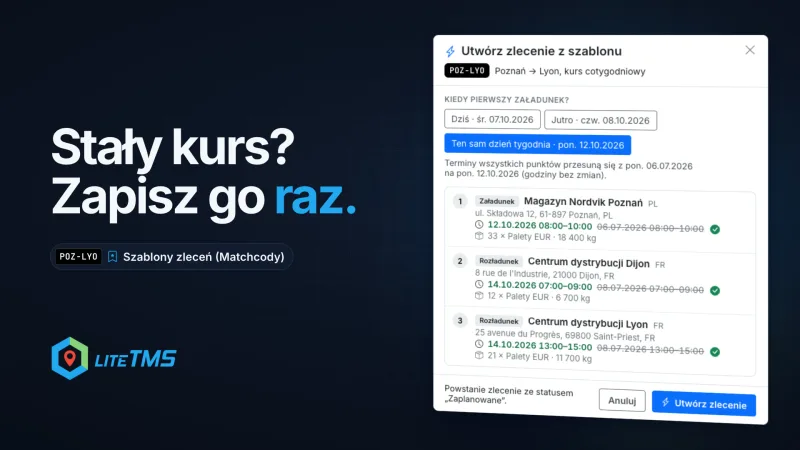 Length: 0:56
Order templates (Matchcodes) in LiteTMS keep a regular order with its route, cargo, crew and rate. Create the next one from it for any day, without retyping.
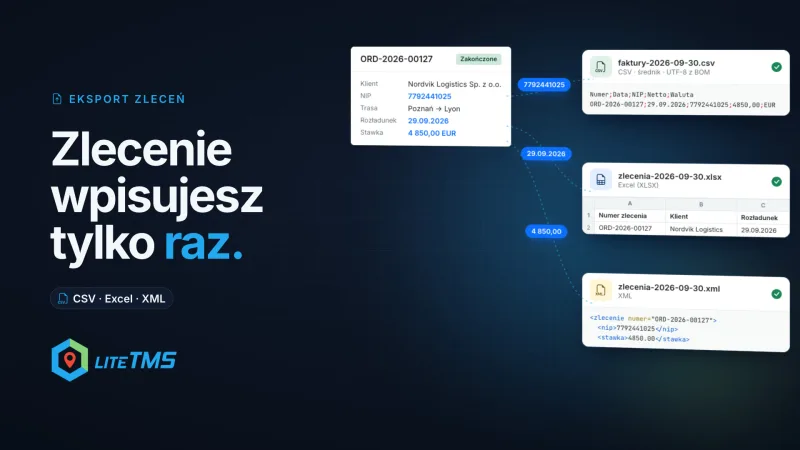 Length: 0:59
LiteTMS Order Export turns one order or a whole month of them into a CSV, Excel or XML file laid out for your accounting program, so nobody retypes orders.
Personal onboarding
LiteTMS is live, and we are onboarding new companies personally. Leave your email to join the next onboarding group. Self-service signup is coming soon.
Join the onboarding list