LiteTMS reminders: an expiring inspection shows up in the order
Length
1:00
Published
Language
English
Enter an expiry date once on a vehicle, trailer, employee or contractor record. LiteTMS shows it on the dashboard and in the order when you assign the truck.
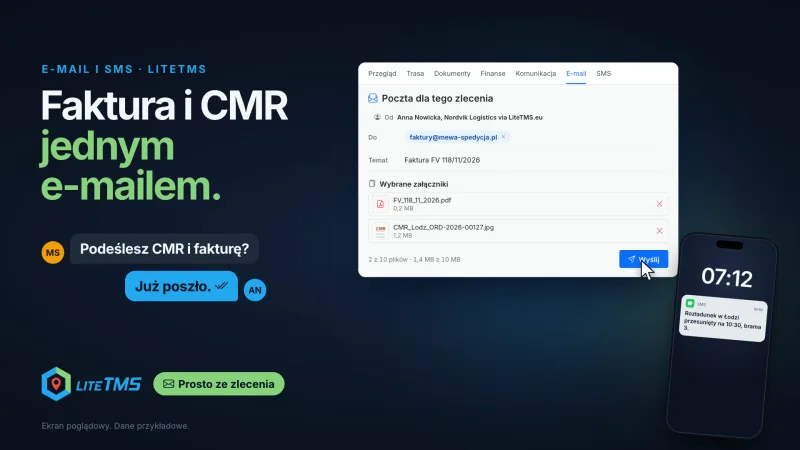
The driver scans the CMR in the app and the invoice drops into an email. Both leave the order in one message, and the driver gets a text from the same order.
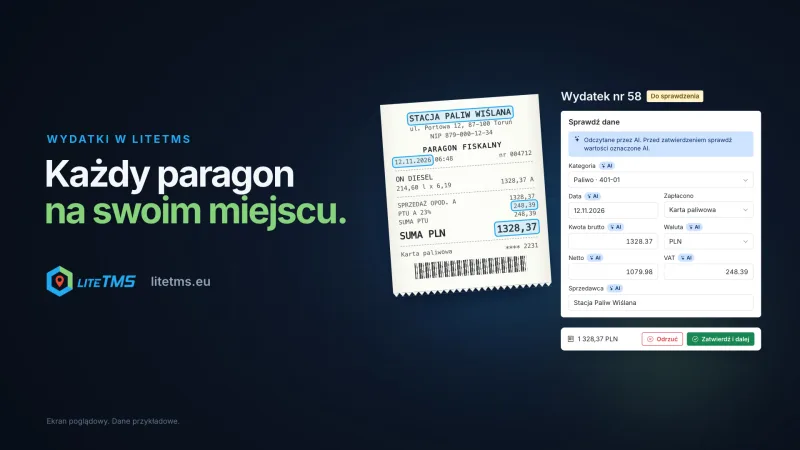
A driver photographs a receipt in LiteTMS Mobile, AI reads the amount, VAT and date, and the office approves. Summaries by category, vehicle and person.
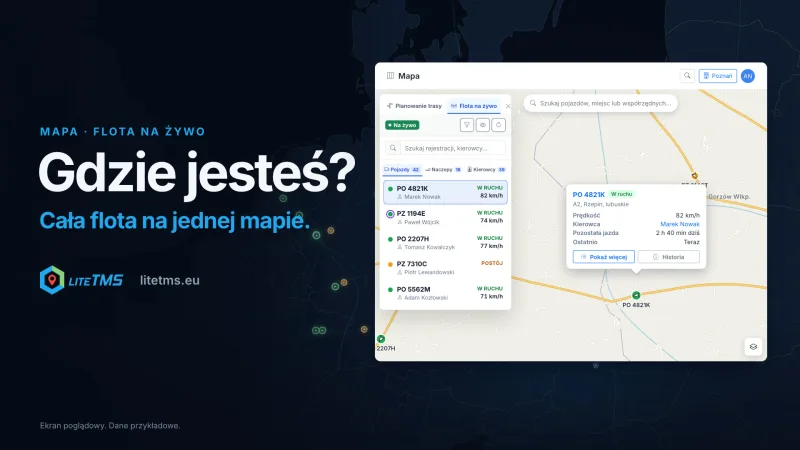
Your whole fleet on one map, with positions from the GPS you already have. Driver hours flow into the route plan, and a phone covers trucks with no GPS.
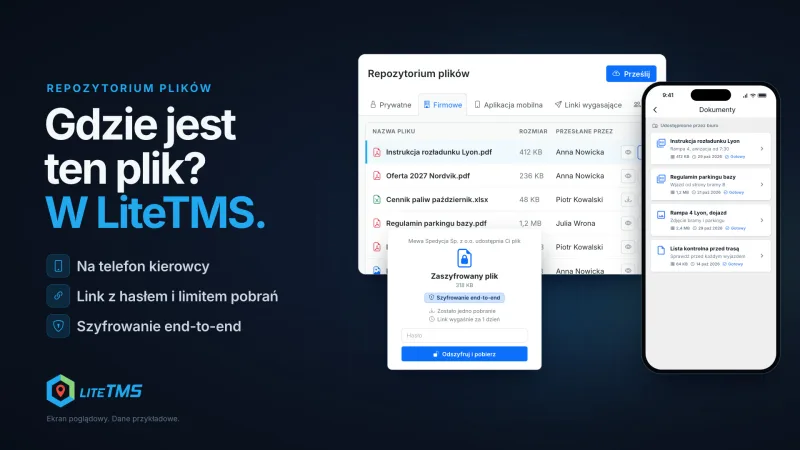
Private, company and team files in one place. Send a file to the driver's phone, give a client a link with a password, or encrypt a file end to end.
Personal onboarding
LiteTMS is live. Ready to bring your company on board?
LiteTMS is live, and we are onboarding new companies personally. Leave your email to join the next onboarding group. Self-service signup is coming soon.