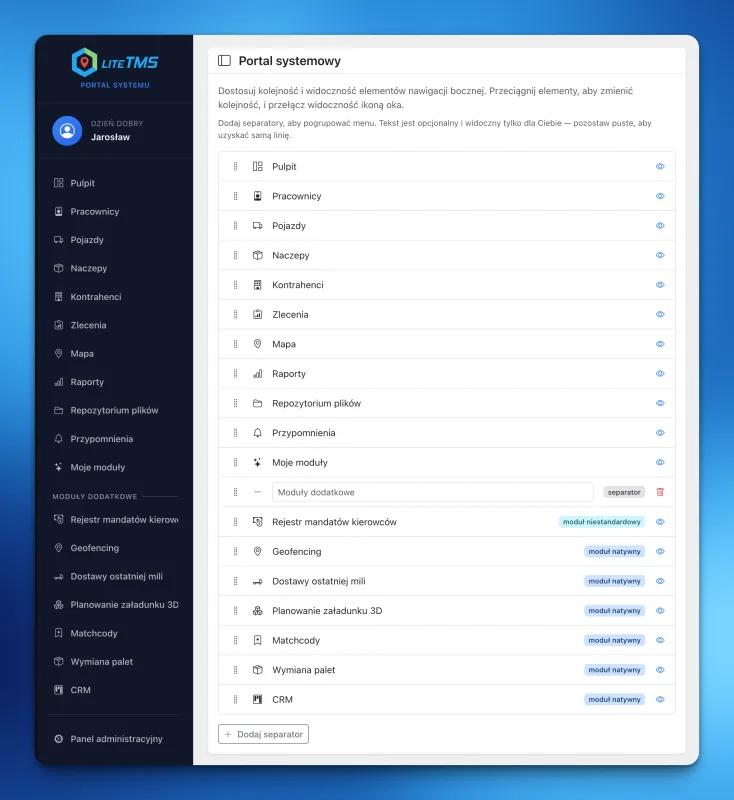
A sidebar menu that shows the modules you actually use
Hide unused items, put key modules first, and group the LiteTMS sidebar around the way you work. Each user gets their own layout.
From the people building it
Product updates, guides, and road-freight industry notes from the LiteTMS team.
Hide unused items, put key modules first, and group the LiteTMS sidebar around the way you work. Each user gets their own layout.
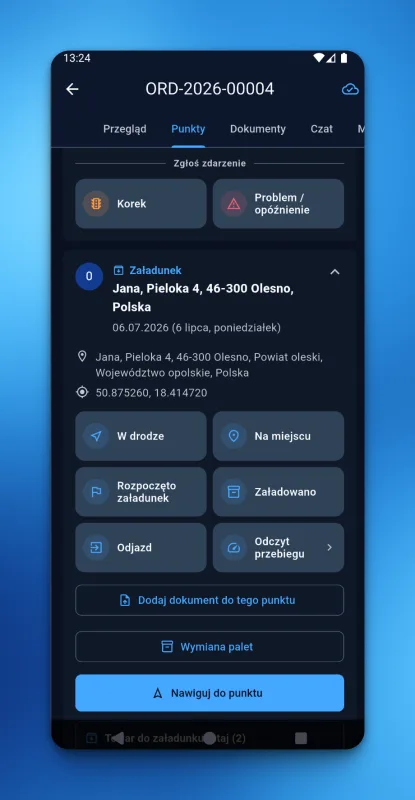
Drivers update each stop in LiteTMS Mobile with one tap. Without signal, the status waits on the phone and reaches the office after reconnection.
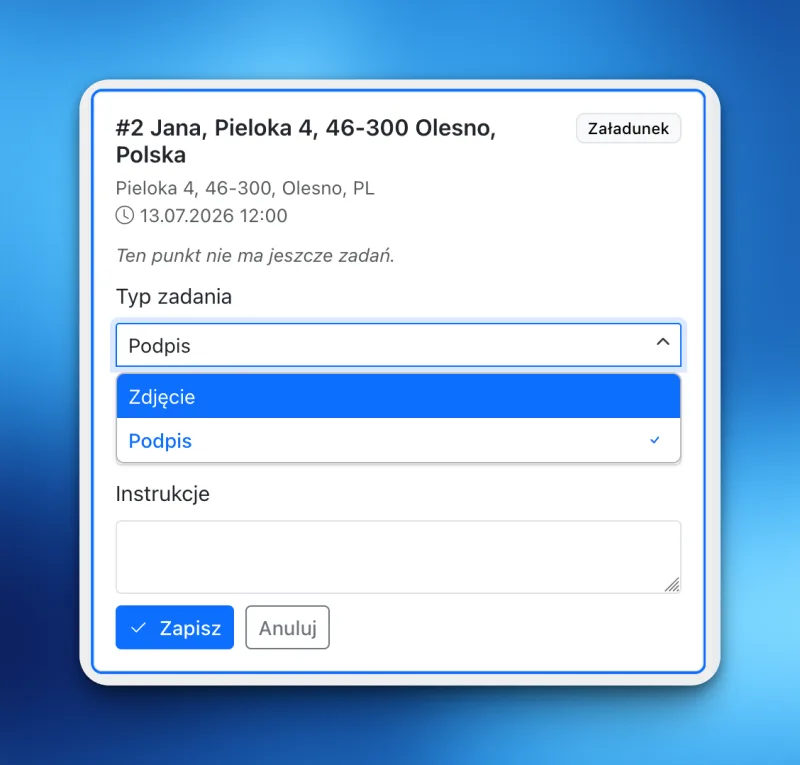
LiteTMS point tasks let a dispatcher attach a photo or signature task to any stop. The driver completes it in the app and the proof lands on the order.
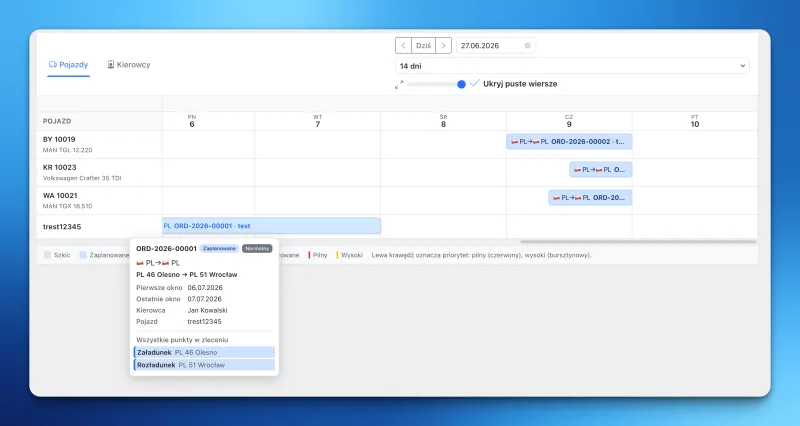
LiteTMS now has an orders calendar: every load on a timeline per vehicle or driver, one click from the route map and the truck's current position.
Build custom forms and records in LiteTMS with AI Builder. Describe what your team needs, review the layout and adjust it to fit your daily work.
A short introduction to the LiteTMS blog, what we plan to write about here, and why every post also exists as a plain markdown file.
Personal onboarding
LiteTMS is live, and we are onboarding new companies personally. Leave your email to join the next onboarding group. Self-service signup is coming soon.
Join the onboarding list